
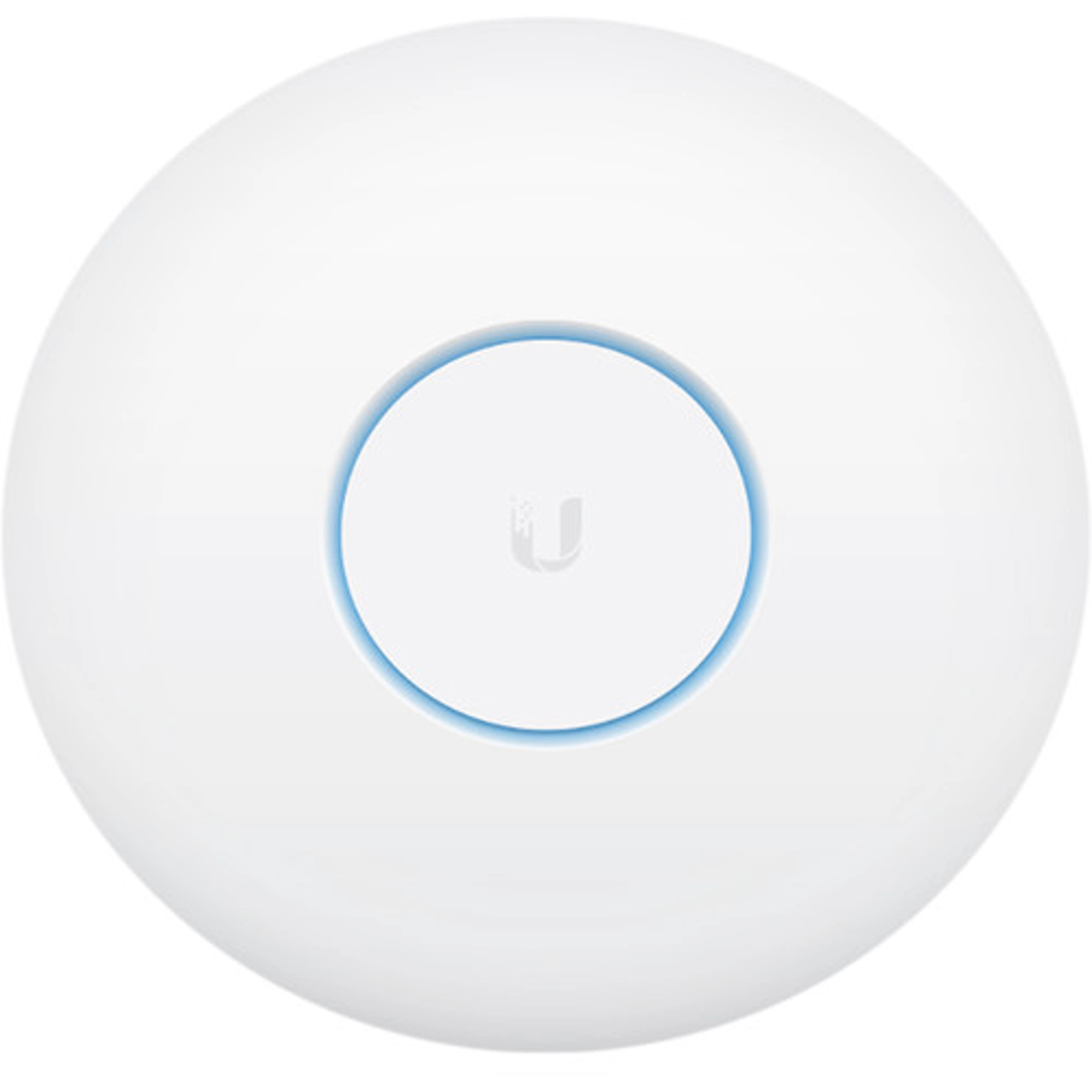
Ubiquiti UAP-NANOHD-3
SKU: UBI-UAP-NANOHD-3
MPN: UAP-NANOHD-3
Description
3Pk NanoHD WAP - Wave 2 - 4x4 MiMo
Send to a friend!
SKU: UBI-UAP-NANOHD-3
MPN: UAP-NANOHD-3
3Pk NanoHD WAP - Wave 2 - 4x4 MiMo
Send to a friend!
Mechanical
Dimensions Ø160 x 32.7 mm (Ø6.3 x 1.3″)
Weight Without mount: 300 g (10.6 oz)
With mount: 315 g (11.1 oz)
Hardware
Networking interface (1) GbE RJ45 port
Power method PoE
Power supply UniFi PoE Switch
Max. power consumption 10.5W
Supported voltage range 44—57V DC
Max. TX power
2.4 GHz
5 GHz
23 dBm
26 dBm
MIMO <
2.4 GHz
5 GHz
2 x 2
4 x 4
Max. data rate
2.4 GHz
5 GHz
300 Mbps
1.7 Gbps
Antenna gain
2.4 GHz
5 GHz
2.8 dBi
3 dBi
Button (1) Factory reset
Mounting Wall/ceiling (Included)
Ambient operating temperature -10 to 70° C (14 to 158° F)
Ambient operating humidity 5 to 95% noncondensing
Certifications CE, FCC, IC, cULus
Software
WiFi standards 802.11 a/b/g/n/ac/ac-wave2
Wireless security WEP, WPA-PSK, WPA-Enterprise (WPA/WPA2, TKIP/AES)
BSSID Up to 8 per Radio
WMM Voice, video, best effort, and background
Concurrent clients 200+
Supported Data Rates (Mbps)
802.11a 6, 9, 12, 18, 24, 36, 48, 54 Mbps
802.11b 1, 2, 5.5, 11 Mbps
802.11g 6, 9, 12, 18, 24, 36, 48, 54 Mbps
802.11n 6.5 Mbps to 300 Mbps (MCS0 - MCS15, HT 20/40)
802.11ac 6.5 Mbps to 1.7 Gbps (MCS0 - MCS9 NSS1/2/3/4, VHT 20/40/80)
58 Mbps to 1.7 Gbps (MCS0 - MCS9 NSS1/2, VHT 160)
The UAP-nanoHD-3 from Ubiquiti Discretely install the UniFi nanoHD 4×4 MU-MIMO 802.11ac Wave-2 Access Point. Any building environment, thanks to the optional skins which come in a variety of designs including camouflage, concrete, marble, wood, black and fabric.
Regardless of the design you choose, this AP provides enhanced network connectivity with support for the 802.11ac Wave-2 networking standard supporting data transfer rates of up to 1733 Mb/s.
As with many other Ubiquiti Networks components, the nanoHD supports the intuitive UniFi Controller Software allowing network administrators to manage the network using tools like detailed analytics, wireless uplink capabilities, guest portal/hotspot support, and more all of which can be accessed via the detailed user dashboard.
Features
UniFi comes bundled with a non-dedicated software controller that can be deployed on an on-site PC, Mac, or Linux machine; in a private cloud; or using a public cloud service.
The UniFi nanoHD AP features Wi-Fi 802.11ac Wave 2 MU-MIMO technology.
Configure and manage your APs with the easy-to-learn user interface.
Build wireless networks as big or small as needed. Start with one (or upgrade to a five-pack) and expand to thousands while maintaining a single unified management system.
With the UniFi Controller software running in a NOC or in the cloud, administrators can manage multiple sites: multiple, distributed deployments, and multi-tenancy for managed service providers.
Use the UniFi Controller to provision thousands of UniFi APs, map out networks, quickly manage system traffic, and provision additional UniFi APs.
Use the RF environment functionality of the UniFi nanoHD AP to detect and troubleshoot nearby interference, analyze radio frequencies, choose optimal AP placement, and configure settings.
Advanced RF performance and configuration features include spectral analysis, airtime fairness, and band steering.
Use the configurable reporting and analytics to manage large user populations and expedite troubleshooting.
Wireless Uplink functionality enables wireless connectivity between APs for extended range.
Easy customization and options for Guest Portals include authentication, Hotspot setup, and the ability to use your own external portal server.
A single UniFi Controller running in the cloud can manage multiple sites: multiple, distributed deployments and multi-tenancy for managed service providers.
The UniFi Controller can manage flexible configurations of large deployments. Create multiple WLAN groups and assign them to an AP’s radio.
Monitor UniFi APs and analyze the surrounding RF environment.
UniFi displays the client types for a specific time period.
Manage your UniFi devices from your smartphone or tablet.
Initial 802.11ac Wave 1 SU-MIMO (Single-User, Multiple Input, Multiple Output) technologies allow an earlier-generation AP, such as the UniFi AC Pro AP, to communicate with only one client at a time.
For high-density environments, such as a theater where there are numerous clients in a relatively small space, we recommend the UniFi nanoHD AP when a minimal footprint is also required.
Deploy the UniFi nanoHD AP in high-density environments requiring maximum wireless performance and minimal footprint. The UniFi nanoHD AP features simultaneous, dual-band, 4×4 MU-MIMO technology, and convenient 802.3af PoE compatibility.
The UniFi nanoHD AP’s low-profile ceiling mount (sold separately) allows you to seamlessly integrate the AP into its environment.
The compact design delivers a cost-effective combination of value and performance.
The unique LED provisioning ring provides administrator location tracking and alerts for each device.
The UniFi nanoHD AP can be powered by an 802.3af PoE compliant switch. Ubiquiti recommends powering your UniFi devices with a UniFi PoE Switch (sold separately).
The UniFi nanoHD AP is capable of complex operations (guest control, filtering, and other resource-intensive tasks) that may slow down a lesser-equipped AP.
Optional skins (sold separately) allow the UniFi nanoHD AP to discreetly blend into its setting.
WiFi 5
6 spatial streams
140 m² (1,500 ft²) coverage
Ubiquiti
200+ connected devices
Powered using PoE*
GbE uplink